Answered by a licensed electrician
Why is my ceiling fan not working?
Quick answer
A ceiling fan usually stops because power is not reaching it, the wall switch or remote receiver has failed, the pull-chain is off, the capacitor is bad, or a breaker has tripped. If replacing an existing fixture with a fan is needed, the GTA price is commonly $150–$300 before added wiring or a fan-rated box.
A ceiling fan that will not run is usually failing at one of four points: the wall control, the remote receiver, the fan’s internal components, or the wiring feeding the ceiling box. Start with the safe checks you can do without opening the canopy. If power has to be tested at the fixture wires, that is electrician work.
Start with the simple controls before assuming the fan is dead
Start with batteries, pull-chain settings, direction switch position, and the wall switch because many “dead” ceiling fans are only disabled at a control point.
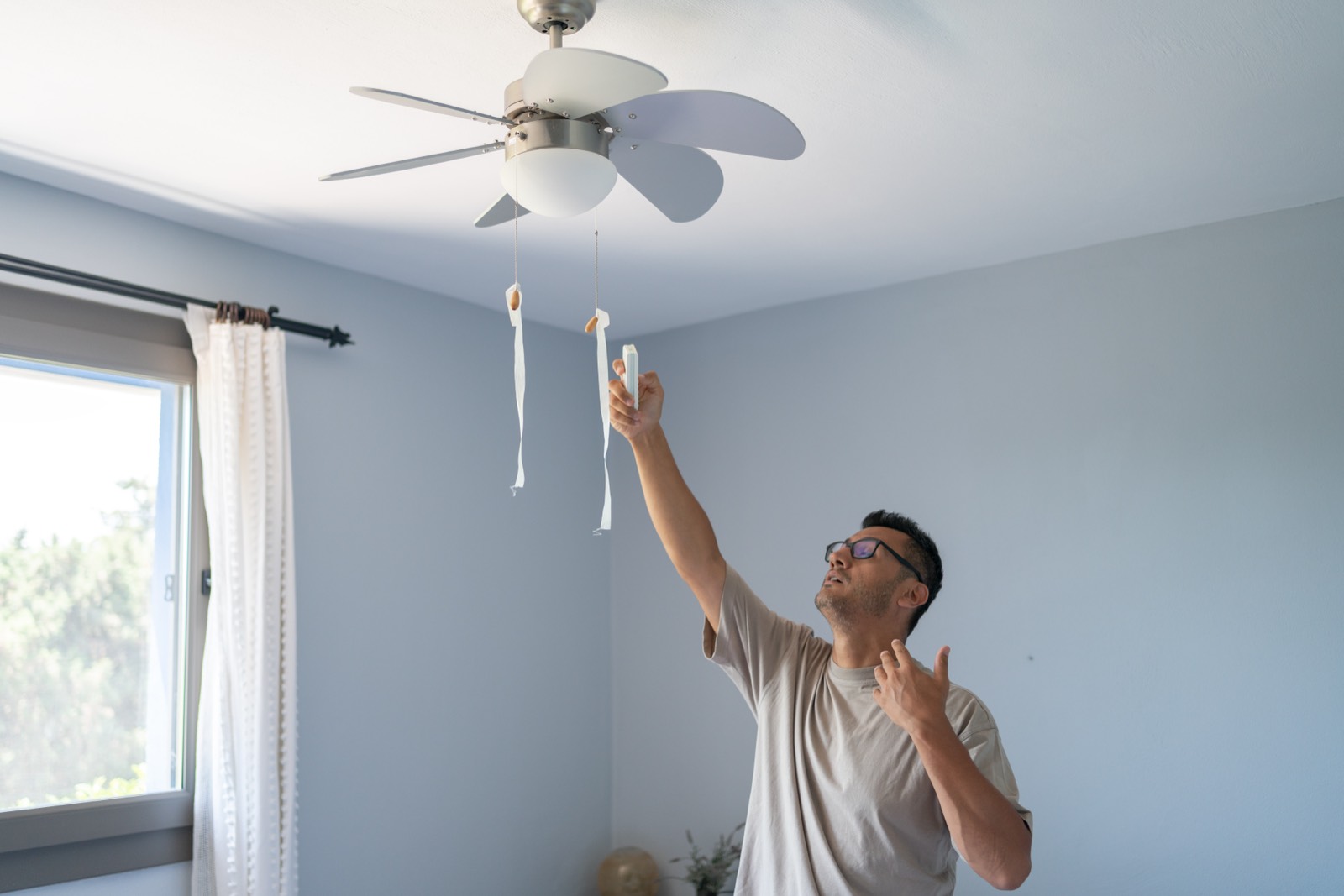
If the fan has a handheld remote, replace the batteries first. Do not just press the light button; test the fan speed buttons too. Some remotes have a small frequency selector or pairing process. If the remote was dropped, the battery contacts can loosen enough that the display or indicator still flickers while the transmitter does not reliably send a signal.
Next, check the wall switch. Many ceiling fans have both a wall switch and a remote. The remote receiver needs constant power, so if the wall switch is off, the remote cannot wake the fan. If there are two switches near the door, one may feed the light kit and the other may feed the fan motor, or one may have been abandoned during a previous fan installation.
Pull-chain fans can also be left in an “off” position after someone tries to adjust speed. Pull once, wait a few seconds, then pull again through the speed sequence. On many fans the chain cycles high, medium, low, off. If the fan has a light kit, make sure you are pulling the fan chain, not the light chain.
Also look for a small forward/reverse slide switch on the fan body. It should click fully into one side. If it is stuck halfway between summer and winter direction, some fans will not start or will only hum. Move it only when the blades are stopped.
Safe checks you can do yourself:
- Replace remote batteries with fresh ones.
- Confirm the wall switch is on.
- Cycle the fan pull-chain through all speeds.
- Make sure the reverse switch is fully seated.
- Check whether the light kit works, if the fan has one.
- Check the breaker once, then stop if it trips again.
If the light kit works but the blades do not, the circuit likely has power and the problem is inside the fan controls, receiver, capacitor, or motor. If neither the light nor fan works, the issue is more likely upstream: switch, breaker, connection, or ceiling-box wiring.
For repair or replacement options, see our ceiling fan installation and replacement service. If the fan runs but shakes, that is a different problem; see why a ceiling fan wobbles.
A wall switch or remote receiver can fail even when the fan looks fine
A failed switch, dimmer, speed control, or remote receiver can leave the fan completely dead while the fan motor itself is still usable.
A standard on/off switch is simple, but it can wear out internally. If the switch feels loose, crackles, sticks, or only works when pressed at a certain angle, stop using it. A switch can also be wired in a way that worked for a light fixture but is not ideal for a fan with separate motor and light controls.
Dimmers are a common ceiling fan problem. A normal light dimmer should not control a fan motor. It can make the motor buzz, overheat the control, or prevent the fan from starting. Fan speed controls are designed differently from light dimmers. If someone replaced a wall control without matching it to the fan, the fan may stop responding or run only on one speed.
Remote receivers are another frequent failure point. The receiver is usually tucked inside the canopy at the ceiling. It takes constant line voltage from the switch leg and sends separate outputs to the fan motor and light kit. Heat, age, loose wire connectors, and incompatible LED lamps in the light kit can all shorten receiver life.
Typical clues:
| Symptom | Likely area to check |
|---|---|
| Remote does nothing and light kit is dead | Wall switch, breaker, receiver power feed |
| Light works from remote but fan will not spin | Receiver fan output, capacitor, motor winding |
| Fan works only on one speed | Capacitor, speed control, receiver |
| Wall switch must be held or jiggled | Failed switch or loose switch wiring |
| Fan stopped after a new control was installed | Incompatible dimmer or wiring mismatch |
Do not remove the canopy to “see if a wire is loose” while the circuit is live. Ceiling fan canopies often contain several conductors: unswitched hot, switched hot, neutral, bonding conductor, receiver leads, and sometimes separate red and black conductors for fan and light. Guessing can create a shock hazard or damage the receiver.
An electrician tests the switch leg, neutral, bonding continuity, and receiver input/output with proper meters. If the receiver has failed, replacement may be possible if parts are available. If the fan is older, a full replacement is often the cleaner repair.
Loose ceiling-box connections and tripped breakers need proper diagnosis
If the fan and light are both dead, the problem may be a loose splice, failed switch connection, open neutral, or a tripped breaker feeding that room.
Ceiling fans vibrate slightly even when installed correctly. Over years, that motion can expose poor workmanship: loose wire connectors, a crowded canopy, a weak box connection, or a switch splice that was never tightened properly. Unlike a lamp, a fan is a moving load. It should be mounted to a fan-rated box, not a standard plastic light box unless the box is specifically rated for fan support.
A breaker trip can happen for several reasons: a shorted receiver, pinched canopy wire, failed motor winding, damaged light-kit wiring, or another device on the same circuit. Reset the breaker once. If it trips again immediately or when the fan switch is turned on, leave it off and call an electrician. Repeated resetting is not troubleshooting; it is asking the breaker to interrupt the same fault again.
Also check whether other lights or outlets in the room are out. If more than the fan is dead, the issue may be upstream from the fan at a switch box, junction, or shared circuit connection. If only the fan is dead and nearby devices work, the fault is more likely in the fan assembly, canopy wiring, or wall control.
This is where fixture wiring must be tested by an electrician. Testing at the ceiling box confirms:
- whether line voltage is present at the fan;
- whether the neutral is intact;
- whether the bonding conductor is connected;
- whether the wall switch is actually switching the expected conductor;
- whether the remote receiver is receiving and sending power;
- whether the box is fan-rated and mechanically secure.
In Ontario, new wiring, a new fan location, or changing the ceiling box may require ESA notification and inspection. City Power Electrical Services is a Licensed Electrical Contractor, ECRA/ESA #7015314, and we file ESA notifications where required for fan wiring work in Toronto and the GTA.
If other receptacles are also out, this guide on outlets that are not working with no obvious breaker trip may help you narrow down the circuit side before booking service.
A bad capacitor or motor can stop the blades while the light still works
If the light works but the fan will not start, the capacitor, speed control, receiver output, or fan motor is the likely failure area.
The capacitor gives the motor the phase shift it needs to start and run at the selected speed. When it fails, the fan may sit still, start only if the blades are pushed by hand, run slowly on every speed, or hum without turning. Do not keep energizing a humming fan. A stalled motor can overheat.
A failed capacitor is more common than a failed motor, but the repair depends on the fan. Some capacitors are accessible and labelled with microfarad ratings. Others are integrated into a proprietary control module. Using the wrong capacitor rating can damage the motor or create a fire risk, so this is not a part to guess at.
The receiver can mimic a bad capacitor. If the receiver sends power to the light but not to the fan motor lead, the motor may be fine. A meter test at the receiver output separates receiver failure from motor or capacitor failure.
Age and parts availability matter. If the fan is inexpensive, has a noisy motor, uses a proprietary receiver, or has a light kit with brittle wiring, replacing it may make more sense than spending time sourcing parts. Replacing an existing fixture with a ceiling fan is typically $150–$300. If the job needs a fan-rated box, new switch wiring, or a fan installed where no fixture exists, the typical range is $300–$600.
If the fan makes noise but still turns, read why a ceiling fan hums before assuming it is the same issue. Humming, wobbling, and total failure point to different repairs.
Call an electrician when power testing, box replacement, or new wiring is involved
Call an electrician when safe control checks do not restore the fan, when the breaker trips, when the switch is suspect, or when the ceiling canopy must be opened for voltage testing.
A proper service visit is not just “swap the fan.” The electrician should identify whether the fault is in the branch circuit, switch, receiver, capacitor, motor, or ceiling box. If the fan is being replaced, the new unit must be supported correctly, connected with proper strain relief and wire connectors, bonded, and tested at all speeds.
You should book service promptly if you notice any of these:
- breaker trips when the fan is turned on;
- fan canopy is warm, discoloured, or smells burnt;
- wall switch crackles or feels loose;
- fan stopped after a DIY control or light-kit change;
- blades twitch but will not start;
- fan hangs from a box that moves in the ceiling;
- no working ground is present at the ceiling box.
For older Toronto homes, ceiling fans sometimes reveal a bigger issue: no neutral in the switch box, brittle cloth-insulated conductors, knob-and-tube still feeding a bedroom ceiling outlet, or a light box that was never meant to carry a fan. Those are wiring issues, not fan issues, and they need a permitted repair where required.
City Power can troubleshoot the existing fan, replace the receiver if practical, install a new fan-rated box, add proper switch wiring, or replace the unit. For pricing context before you decide, see our ceiling fan installation cost guide for Toronto, or browse more electrical troubleshooting topics in our answers hub.
Want a licensed electrician to take a look?
Free written quote, usually the same day. ESA permits handled.
People also ask
Why does my ceiling fan light work but the fan does not?
If the light works, power is reaching at least part of the fan. The usual suspects are the remote receiver’s fan output, a failed capacitor, a bad speed control, a stuck pull-chain switch, or the motor itself. An electrician can test whether voltage is leaving the receiver toward the motor before recommending parts or replacement.
Can I reset a ceiling fan remote receiver?
Sometimes. Replace the remote batteries first, then check the fan manual for its pairing procedure. Many receivers pair by turning power off, restoring power, and pressing a learn button within a short window. If pairing fails and the wall switch has power, the receiver may need testing or replacement.
Is it safe to push the blades to start a ceiling fan?
No. A fan that only starts when pushed often has a failed capacitor or motor issue. Pushing the blades may get it moving briefly, but the motor can overheat if it cannot start normally. Turn it off and have the fan control and capacitor tested.
Do I need a fan-rated ceiling box for a replacement fan?
Yes, the box must be rated to support a ceiling fan unless the fan has another approved support method. A standard light fixture box may hold a light but not the dynamic load of rotating blades. If the existing box is not fan-rated, it should be replaced before the fan is installed.